Intro to Roda (a Ruby web framework) Episode 1
Roda is a routing tree web toolkit which, if you’ve read my post about Sinatra, seems to provide the same simplicity to write routes for a web application, with the added advantage of a tree structure to avoid repetitions (more on that later, if/when it applies to my project).
For now, I thought that a similar “Intro do Roda” post was in order, as this may be the framework that I use in the future, and learn more about, and complete more episodes about on this site.
Starting with Roda is as simple as requiring it and adding blocks with your routes. Here is the example from the website (very pretty and clear, compare to the docs for Sequel, also a gem by Jeremy Evans):

And here is my first route:
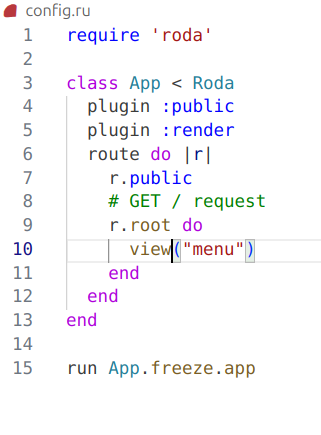
You will notice two additions:
- first, the
renderplugin, which allows easy rendering of an erb template (you just have to place it in aviewsfolder). You then userender("menu")to render amenu.erbtemplate located in that folder. Or, if you also have alayout.erbtemplate within which you wish your pages rendered, you use the commandview("menu")as I have in this example. I can then have anavbar.erbpartial in the same folder, and call it in mylayout.erbby addingrender('navbar')just above theyieldcall.
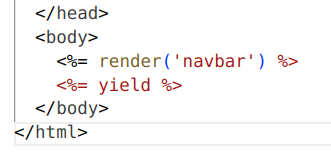
- second the
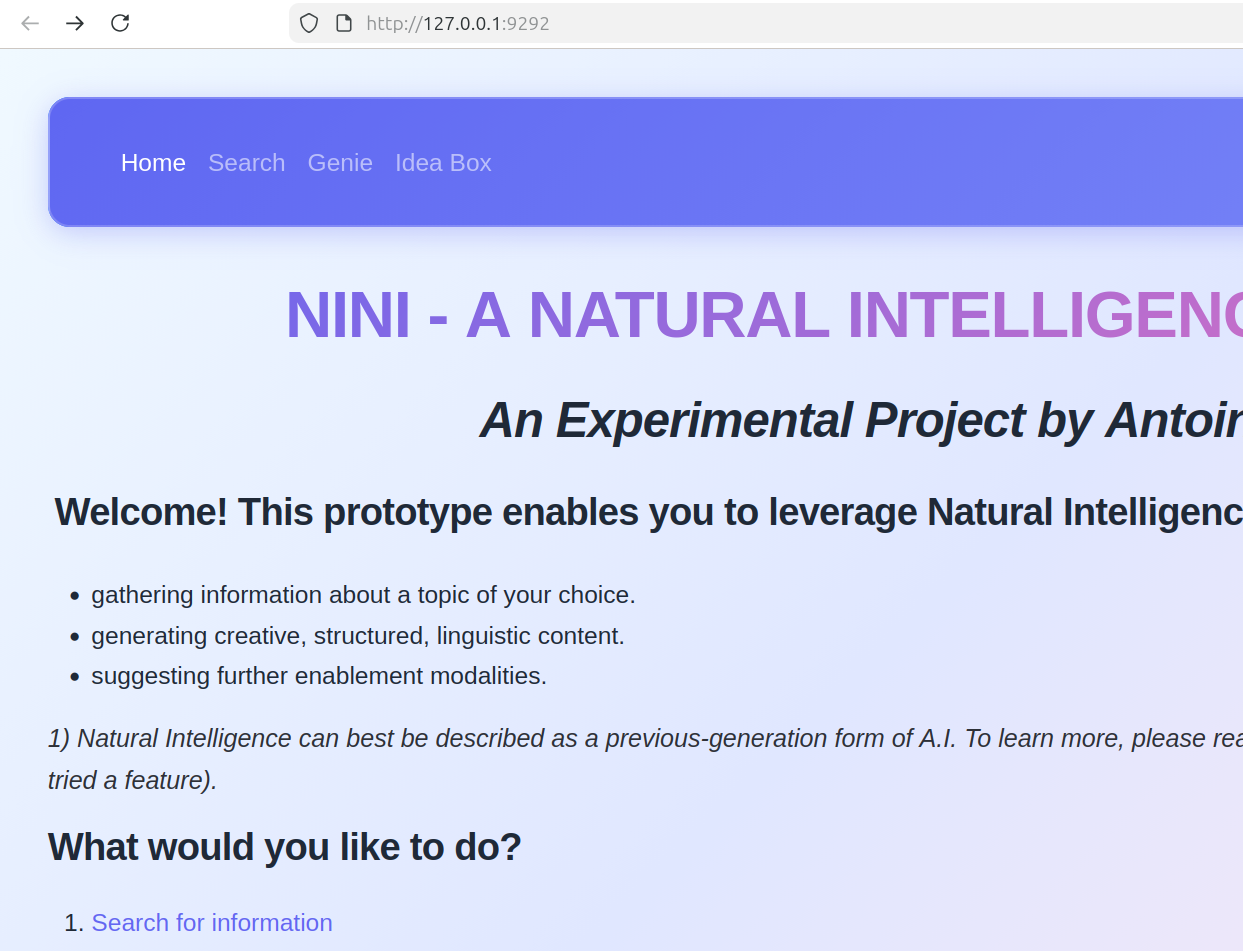
publicpluging simply allows you to place a CSS file in apublic/cssfolder, and by just addingr.publicto your route block, your CSS will get picked up. Again, quite simple to recreate my home page:
Now, same as with Sinatra in the previous post, it’s time to add more complex features… in Episode 2!